

How to scan your puzzle
Each puzzle is a unique sensory experience. We believe music is a fundamental ingredient in life, which is why we've created various playlists to help you create unforgettable moments.
Each Harmony puzzle comes with an exclusive Spotify playlist.

1
Download and Open the Spotify App
Spotify codes only work through the Spotify app. Please ensure you have downloaded the app to your smartphone, available on your App Store or Play Store.

2
Go to the Research section
Once inside the app, go to the search section which is located at the bottom center of the screen. This page should show a camera icon next to the search bar at the top right of the screen, click there.

3
Scan the code
Point your camera directly at the Spotify code on the back of the puzzle box. Make sure the entire code fits perfectly on your screen.
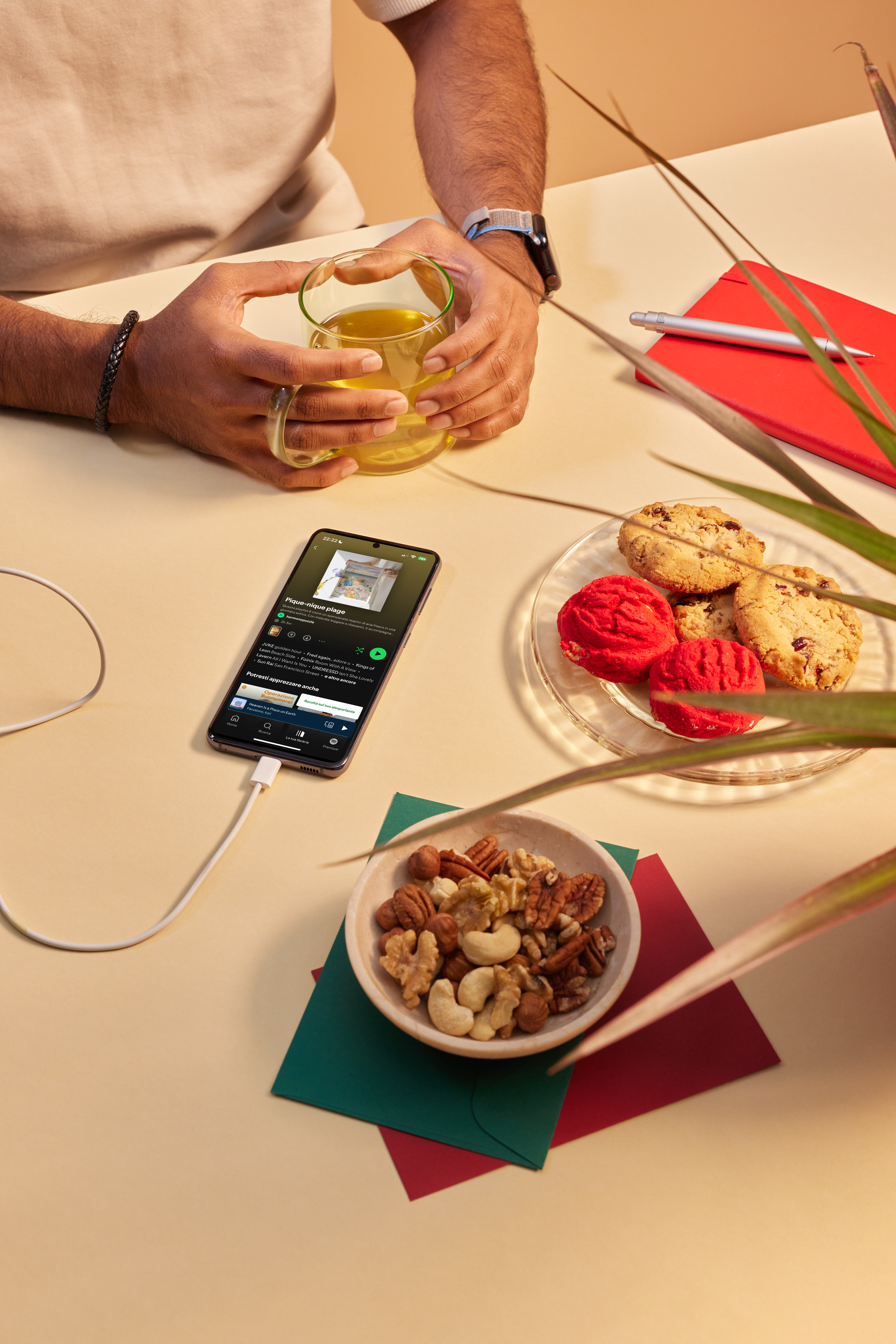
And now enjoy your playlist
In a few seconds, you will be automatically redirected to a playlist created for you. Make sure you have everything you need, turn on the music, relax, and start assembling your puzzle.